Digital vs Physical Visual Timers: Which One Actually Works Better?
Comprehensive comparison of digital and physical visual timers. Discover which type suits your needs, budget, and work environment for optimal time management.
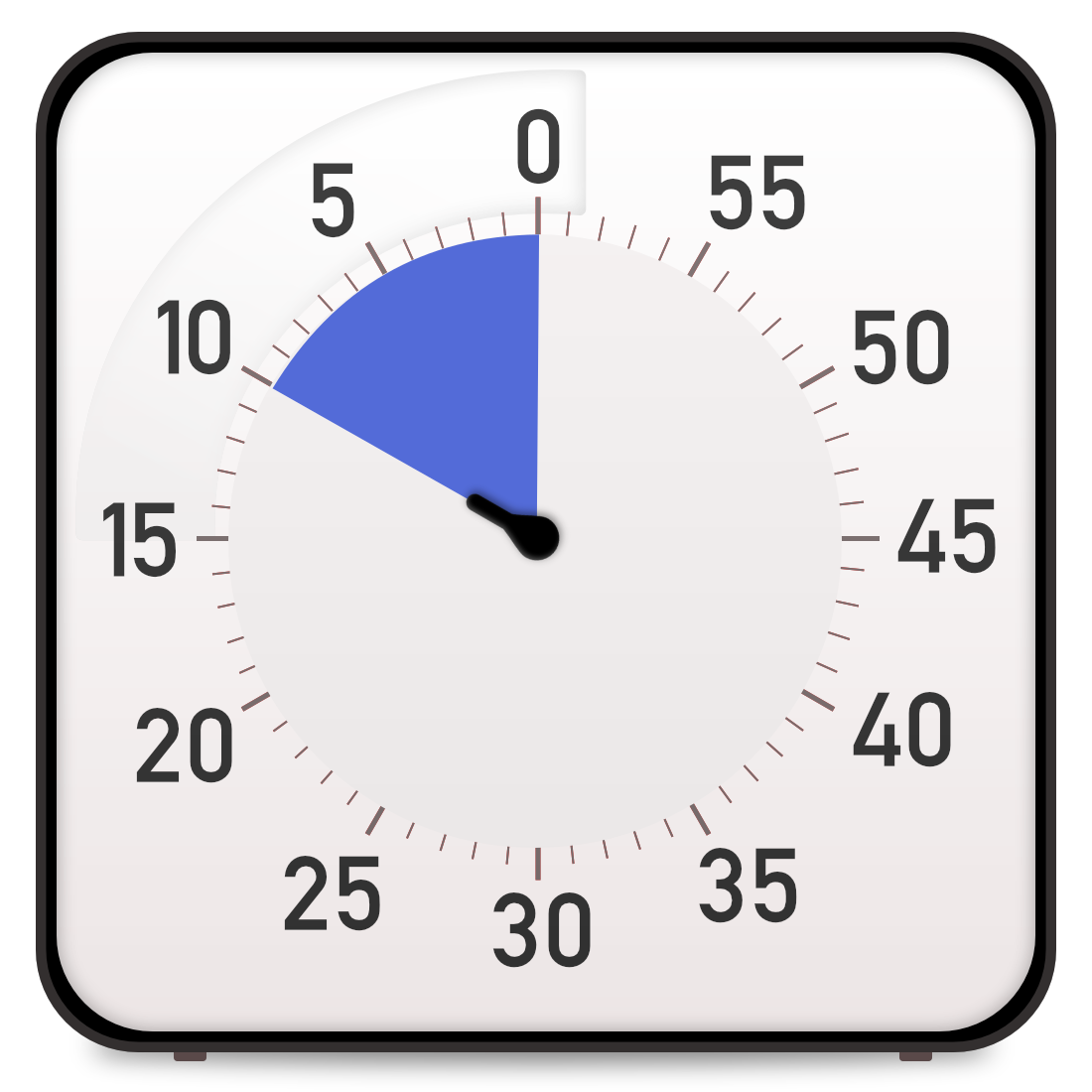
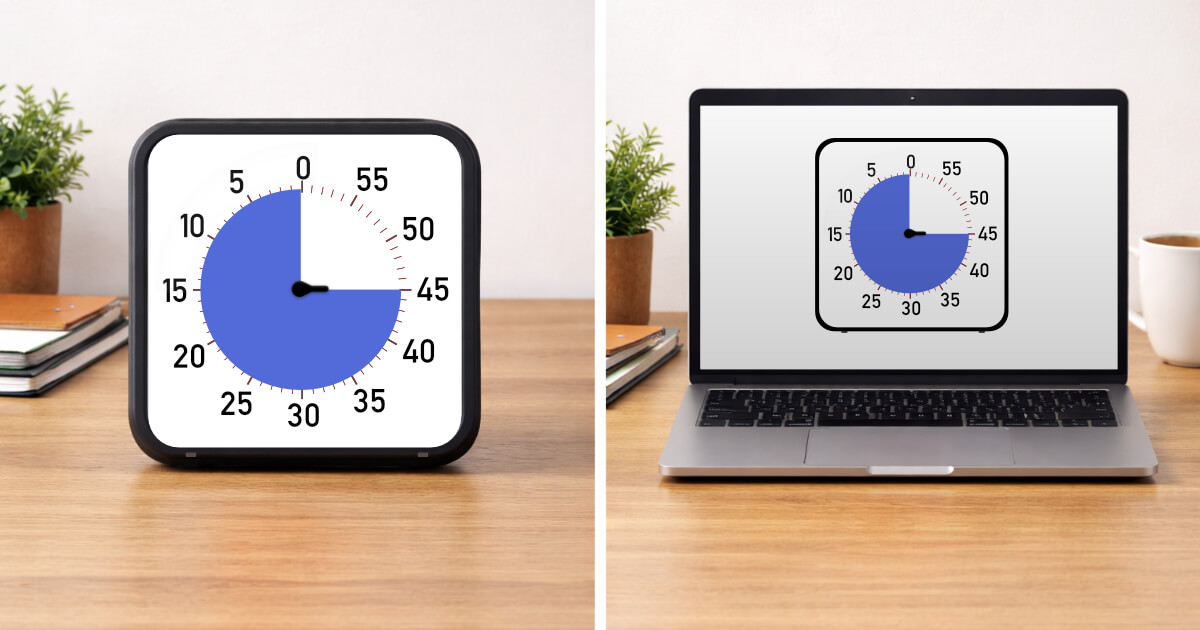
When you decide to incorporate visual timers into your productivity routine or classroom, one of the first decisions is whether to use a physical device or a digital solution. Both options provide the core benefit of visual time representation, but they differ significantly in cost, convenience, features, and user experience. Physical timers, like the popular Time Timer brand, offer tactile simplicity and screen-free operation but come with a price tag of 30 to 60 dollars or more. Digital timers, including web-based options like Focus Clock, provide zero-cost accessibility and unlimited customization but require screen access. The right choice depends on your specific situation, work environment, budget, and personal preferences. This comprehensive comparison will help you understand the trade-offs and choose the timer type that best supports your time management goals.
Physical Visual Timers: Pros and Cons
Physical visual timers offer several distinct advantages. First, they require no screen time, making them ideal for situations where you want to reduce digital exposure - classrooms with young children, bedtime routines, or screen-free work sessions. The tactile experience of turning the dial provides a satisfying ritual that mentally marks the beginning of a focus session. Physical timers are always visible without requiring open windows or tab management, making them harder to accidentally minimize or forget. They work without batteries for some models or provide long battery life for others, ensuring reliability. The lack of internet connection means no distractions from notifications, updates, or the temptation to browse other websites. However, physical timers have significant drawbacks. The cost barrier is substantial - quality visual timers range from 30 to 80 dollars, with classroom sets costing hundreds. They are single-purpose devices that can only be used in one location at a time. If you work in multiple places, you need multiple timers or must remember to transport it. Most physical timers offer limited duration options based on their face size - common ranges are 5, 20, or 60 minutes. They can be noisy when mechanical, with ticking sounds that some find soothing but others find distracting. Physical timers also lack the flexibility to customize appearance, add features, or update functionality. Once you buy a 20-minute timer, it will always be a 20-minute timer.
Digital Visual Timers: Advantages and Limitations
Digital visual timers, particularly web-based options, excel in accessibility and flexibility. They cost nothing, removing the financial barrier to trying visual timer techniques. You can access them from any device with a browser - your laptop, tablet, or phone - making them available wherever you work. Digital timers offer unlimited customization of duration, from one minute to multiple hours, letting you adjust for any task. Many digital timers, including Focus Clock, provide options to customize colors, sounds, and visual styles to match your preferences. They update automatically with new features and improvements without requiring new purchases. Multiple tabs or windows can run different timers simultaneously for tracking different activities. Digital timers integrate easily into existing computer-based workflows - if you are already working on a computer, adding a timer tab is seamless. However, digital timers have their own limitations. They require screen access, which can be problematic if you are trying to reduce screen time or work with young children who should not be on devices. Browser-based timers can get lost among dozens of other tabs, accidentally closed, or hidden behind other windows. Internet connectivity issues can disrupt access, though many modern timers work offline once loaded. The presence of a computer or phone nearby introduces distraction potential - the same device showing your timer can pull you toward email, social media, or other non-work activities. Some people find physical timers psychologically more 'real' and authoritative than digital ones, making it easier to respect the boundaries they set.
Cost Analysis: Initial and Long-Term
The cost difference between physical and digital timers is substantial and worth detailed consideration. A quality physical visual timer costs between 30 and 60 dollars for a personal timer, with classroom or commercial models reaching 100 dollars or more. If you want timers for multiple locations - home office, workplace, kitchen - you are looking at 100 to 200 dollars minimum. Classroom teachers wanting timers for small group work might spend 200 to 400 dollars for a set. These are one-time purchases with no recurring costs, and quality timers last for years. However, if your needs change or you want different features, you need new purchases. Digital timers, particularly web-based options like Focus Clock, cost zero dollars initially and ongoing. You can use them on unlimited devices simultaneously at no additional cost. Want a timer for every room in your house? Simply open the website on each device. Need different timer durations for different tasks? Configure them instantly at no charge. The trade-off is potential subscription fees for premium digital timer apps, though many excellent options remain free. Over a five-year period, physical timers cost 30 to 60 dollars per location, while digital timers cost 0 to 20 dollars depending on whether you use free or premium options. For individuals, this difference might be manageable, but for teachers, parents with multiple children, or businesses, the cost savings of digital timers are significant. The decision often comes down to whether the specific benefits of physical timers - tactile experience, screen-free operation, always-visible presence - justify the cost premium over free digital alternatives.
Use Case Scenarios: Which Works Better When
Different situations favor different timer types. Physical timers excel in elementary classrooms where screen time should be minimized and constant visibility matters. A large physical timer at the front of the room ensures all students can see it regardless of where they sit or what activity they are doing. The tactile dial-turning becomes a classroom ritual that marks transition time. Physical timers are ideal for young children's bedtime or homework routines, keeping screens out of the equation while teaching time awareness. They work well in kitchens for cooking timers when you do not want to touch devices with messy hands. Physical timers suit meditation or exercise routines where you want to disconnect from devices. Digital timers are superior for computer-based work where you are already on a device all day. Opening a browser tab takes seconds and integrates seamlessly into your workflow. They work best for people who move between locations frequently - the same timer follows you from home to office to coffee shop via your laptop or phone. Digital timers suit tasks requiring variable durations since you can adjust instantly rather than being limited to preset increments. They are ideal for learning the visual timer technique with zero financial risk - try it free for weeks or months before deciding whether to invest in physical timers. Digital options work well for middle and high school students who already use devices for schoolwork. They are perfect for remote workers, programmers, writers, and anyone whose work happens primarily on screens. For many people, a hybrid approach works best: physical timers in screen-free zones like classrooms or young children's rooms, digital timers for computer-based work and adult use.
Making Your Decision: Key Questions
To choose between physical and digital timers, ask yourself these questions. First, what is my budget? If cost is a barrier, digital timers eliminate that obstacle entirely. Second, where will I primarily use the timer? If the answer is 'at my computer,' digital makes sense. If it is 'with young children away from screens,' physical is better. Third, how much flexibility do I need? If you want to experiment with different durations and styles, digital provides that. If you want a simple, unchanging tool, physical timers deliver that stability. Fourth, how important is avoiding screen time? For digital detox situations or screen-free environments, physical timers are necessary. Fifth, do I need timers in multiple locations? Digital timers work everywhere your devices go; physical timers require multiple purchases. Sixth, what is my technical comfort level? If technology frustrates you or you want the simplest possible option, physical timers eliminate technical variables. If you are comfortable with browsers and apps, digital timers offer more features. Seventh, is there a specific aesthetic or tactile experience I want? Some people strongly prefer the feel of turning a dial or the look of a particular physical timer, which is a valid consideration. Finally, can I try before committing? Digital timers let you experiment extensively before any investment. Test the Pomodoro Technique with Focus Clock for a month, and if visual timers transform your productivity, then consider whether a physical timer would further enhance the experience or if digital works perfectly well.
Conclusion
There is no universally 'better' choice between digital and physical visual timers - both serve the core function of making time visible while offering different advantages. Physical timers provide screen-free simplicity and constant visibility but cost money and lack flexibility. Digital timers offer free access and unlimited customization but require devices and can create distractions. For many people, the answer is not either/or but both: digital timers for computer-based work and physical timers for screen-free environments. Start with free digital options like Focus Clock to discover whether visual timers improve your productivity and time management. If they do, consider adding physical timers to situations where the screen-free experience or always-visible presence adds value. The best timer is ultimately the one you will actually use consistently, whether that is a 40 dollar Time Timer on your desk or a free browser tab on your laptop. The technique matters more than the tool.
Try Focus Clock
Ready to improve your time management with visual timers? Focus Clock is a free online visual timer that helps you stay focused and productive.
Start Using Focus Clock